

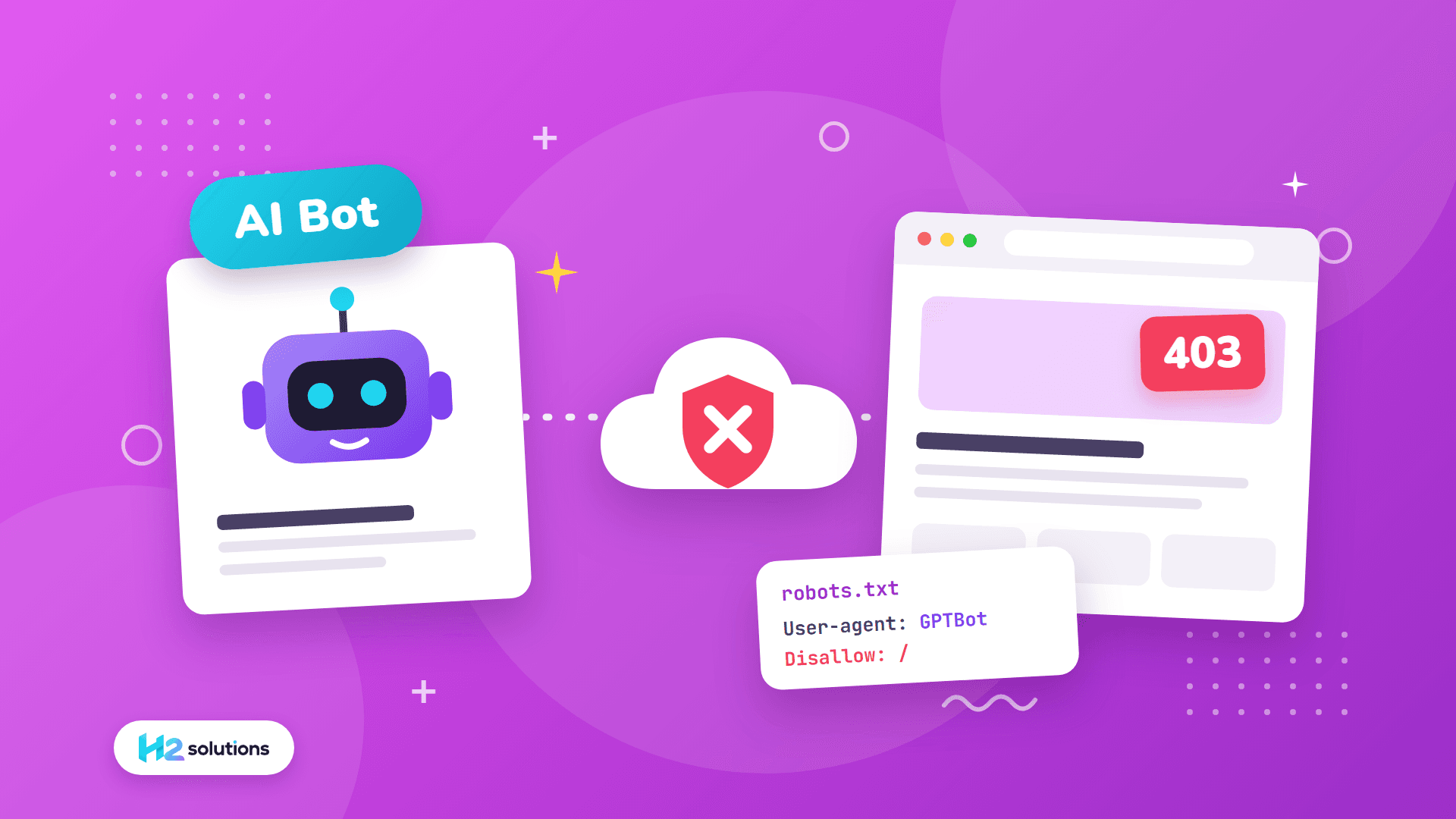
Short answer: It might be, without you knowing. ChatGPT, Claude and Perplexity read your website with their own bots. A single toggle in Cloudflare, a firewall rule at your host or an old robots.txt file can quietly block those bots. The result: your competitors appear in AI answers and you don't. Checking takes 10–15 minutes: robots.txt, Cloudflare bot settings, server rules and how the page looks without JavaScript.
What are AI bots and what do they do on your site?
Every AI company runs several bots, and each has a different job. One collects data to train models, one indexes sites for search answers, and one opens a page the moment a user asks a question. It matters which one you block, because the consequences are different.
| Bot | Company | What it does | If you block it |
|---|---|---|---|
| OAI-SearchBot | OpenAI | Indexes sites for ChatGPT search | Your site is not shown in ChatGPT search answers |
| ChatGPT-User | OpenAI | Opens a page because a user asked | ChatGPT cannot read the page on the spot |
| GPTBot | OpenAI | Collects content for model training | Content is not used for training; no effect on search |
| Claude-SearchBot | Anthropic | Indexes for Claude search answers | Visibility in Claude answers may drop |
| Claude-User | Anthropic | Opens a page because a user asked | Claude cannot read the page for the user |
| ClaudeBot | Anthropic | Collects content for model training | Future content is excluded from training |
| PerplexityBot | Perplexity | Indexes for Perplexity search | Your site is not shown in Perplexity results |
| Google-Extended | A permission signal for use in Gemini | No effect on Google Search or rankings |
The rule of thumb: if you want to appear in AI answers, do not block the search and user bots. Blocking training bots is your choice and does not affect search visibility. Google AI Overviews have no separate bot: they use pages indexed by the regular Googlebot.
Which Cloudflare settings can block AI bots?
Cloudflare protects sites from attacks and harmful bots, but some of its settings also hit useful bots. Often whoever built the site switched them on once, and nobody remembers.
- AI Crawler and Agent access policies. Since 15 September 2026, Cloudflare has replaced the old «Block AI bots» toggle with three separate controls: Search, Training and Agent (bots acting for a user). According to Cloudflare, Block now also stops Googlebot, Bingbot and Applebot, so it affects regular Google Search too. To stop training only, choose Disallow AI Training under Training.
- Migration from the old «Block AI bots» setting. If it was on, Cloudflare migrates it to Agent = «Block on pages with ads». User bots such as ChatGPT-User are blocked on pages that show ads.
- Bot Fight Mode. A one-click option on the free plan that sends heavy challenges to traffic matching known bot patterns. Cloudflare says it cannot be skipped with WAF rules. Perplexity's documentation also notes that its bots can still be challenged when Bot Fight Mode is on, even with an allow rule.
- Managed robots.txt (Bot Preference Sync). When enabled, Cloudflare adds its own lines to the top of your robots.txt:
Disallow: /for GPTBot, ClaudeBot, Google-Extended and others. These are training bots, but an owner who never opens the file won't know. - WAF rules and Security Level. Your own rules such as "block unknown user agents" or "challenge all bots" catch AI bots too.
Where to check: Cloudflare dashboard › Security › Settings › filter «Bot traffic». Blocked requests appear under Security › Analytics › Events.
Hidden barriers at your host and server
Even without Cloudflare, there can be problems. Hosting providers and servers run their own protection rules:
- Country blocking. Some sites only let in local visitors. Vercel's research found that all the AI crawlers it measured operate from US data centers. A "home country only" rule cuts them off automatically.
- Firewall and bot protection. Security modules in hosting panels often block visitors that send many requests or are not browsers.
- Rate limits. When a bot opens many pages in a short time, the server may answer 429 ("too many requests") or 403.
- Old robots.txt. The lines
User-agent: *andDisallow: /added while the site was being built sometimes stay after launch. They block every bot, including Google. - Password or "coming soon" pages. If part of the site is still behind a password, bots cannot see it.
Content loaded with JavaScript
A bot may reach your site and still not see the content. According to Vercel's measurements, the ChatGPT and Claude crawlers do not execute JavaScript. If prices, service descriptions or contact details load with JavaScript after the page opens, these bots see an empty page. Key content should arrive from the server as ready HTML.
Example of correct robots.txt rules
To let search and user bots in and block training only, you can use an example like this:
User-agent: OAI-SearchBot
Allow: /

User-agent: ChatGPT-User
Allow: /

User-agent: Claude-SearchBot
Allow: /

User-agent: PerplexityBot
Allow: /

User-agent: GPTBot
Disallow: /

User-agent: ClaudeBot
Disallow: /

Sitemap: https://example.com/sitemap.xml
Remember: robots.txt is only a request and does not stop a bot technically. On the other hand, firewall and Cloudflare rules block a bot even when robots.txt allows it. OpenAI and Perplexity say a robots.txt change takes about 24 hours to apply in their systems.
How to check if your site is blocked: 7 steps
- Open robots.txt: visit
example.com/robots.txtin your browser. Which bots haveDisallow: /under them? - Check Cloudflare bot settings: the Search, Training and Agent values, Bot Fight Mode and your own WAF rules.
- Look at blocked requests: search Cloudflare Security Analytics for GPTBot, OAI-SearchBot, ClaudeBot and PerplexityBot.
- Check server logs: what status do these bots get back: 200, 403 or 429?
- Check country blocks: is there a rule in your hosting panel or Cloudflare that allows only one country?
- Open the page without JavaScript: turn JavaScript off in the browser or search the page source for the main text.
- Check Google too: if your site doesn't show up on Google, the cause is often the same settings.
Opening the door to bots is only the start. To be chosen in AI answers, your content also has to be clear and written in a question-and-answer style. Read more in our SEO and GEO post.
Next step
If you'd like to check whether your site is open to Google and AI search, see our SEO service or contact us: we reply within 24 hours. You can see our work on our home page.
Frequently asked questions
If I block GPTBot, will my site disappear from ChatGPT?
No. According to OpenAI, GPTBot is only for model training. Appearing in ChatGPT search depends on OAI-SearchBot, and the two settings are independent.
Does Cloudflare block AI bots by itself?
It depends on your settings. Since 15 September 2026, Cloudflare offers preset configurations when you add a new domain. For sites that earn money from ads, the preset disallows training and blocks user agents on pages with ads. Check the Search, Training and Agent values in your dashboard.
Does blocking Google-Extended affect Google Search?
No. Google says Google-Extended does not affect a site's inclusion in Google Search and is not a ranking signal.
Does a robots.txt rule stop a bot completely?
No. robots.txt is only a request. OpenAI, Anthropic and Perplexity say they follow it, but because ChatGPT-User and Perplexity-User act on a user's request, the rules may not always apply to them. A technical block needs a firewall or Cloudflare rule.
How do I know if AI bots visit my site?
Search your server logs or Cloudflare Analytics for the user agents GPTBot, OAI-SearchBot, ChatGPT-User, ClaudeBot, Claude-SearchBot and PerplexityBot. OpenAI and Perplexity also publish their bots' IP lists.
Do AI bots slow down a website?
Usually not on small sites. If the load is high, reduce the crawl rate instead of blocking the bot completely. Anthropic says it supports the Crawl-delay rule in robots.txt.
Conclusion
If AI bots can't read your site, you can't appear in ChatGPT, Claude or Perplexity answers. The barrier is often hidden: a forgotten Cloudflare setting, a country block at your host, an old robots.txt line or content that only loads with JavaScript. Keep search and user bots open, and make a conscious decision about training bots. Repeat the 7 steps above a few times a year, because Cloudflare and AI companies change their rules often. If you have questions, write to us.
Last checked: 25 November 2026.